
Send
Send video at full quality
TransferSize sends the exact file you upload. It never compresses or re-encodes video.
- Original file, unchanged
- Up to 50 GB free
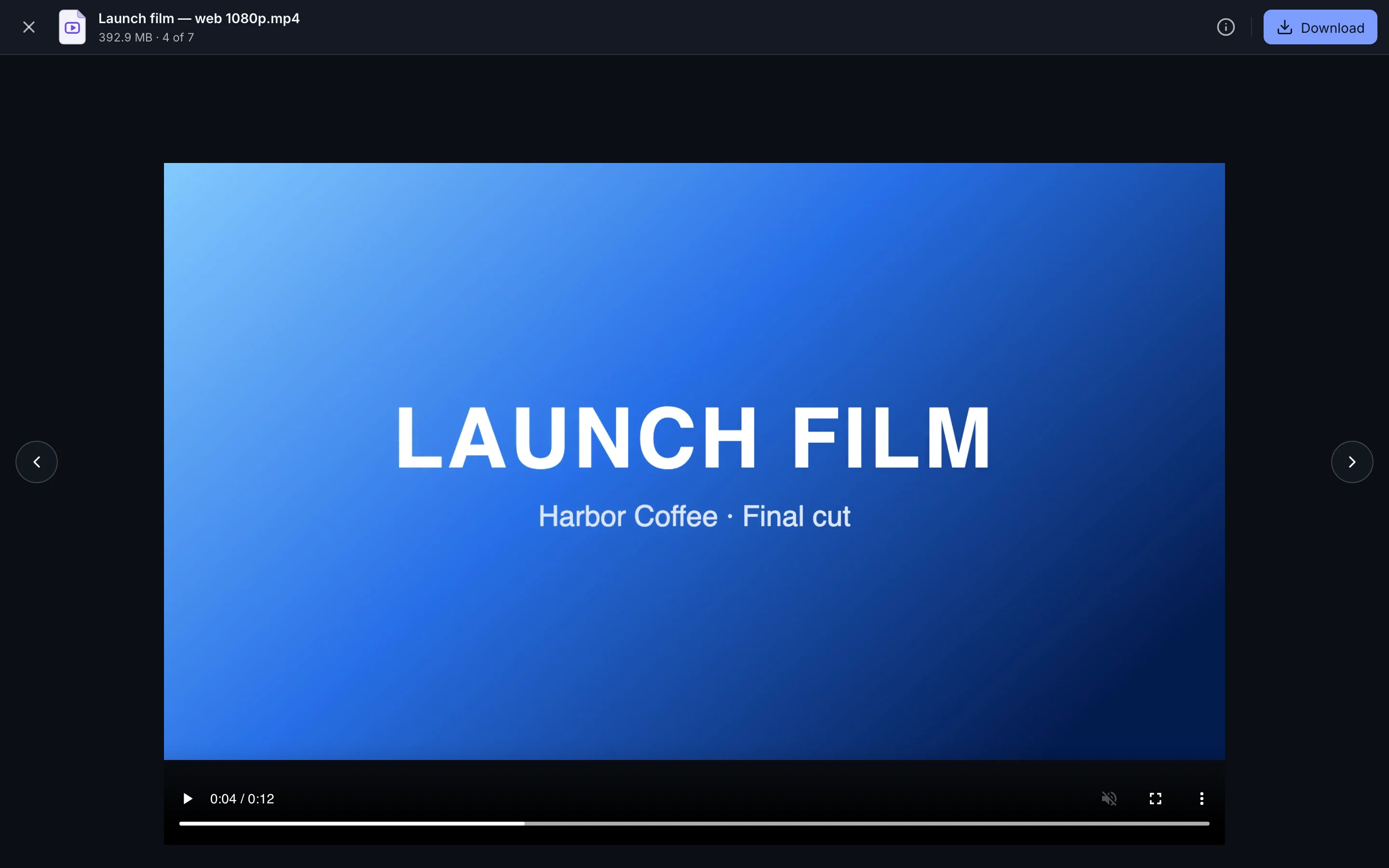
- Preview in the browser
Steps
- Export the final video from your editing app.
- Upload the exported file at transfersize.com.
- Leave Previews on so the recipient can watch before downloading.
- Select Create link and send the link.
Why video loses quality elsewhere
- Messaging apps compress video to save data.
- Email attachments are usually limited to 20–25 MB, so files get shrunk to fit.
Troubleshooting
The preview won’t play
Browser playback depends on the video codec. The download is unaffected: open it in a video player.
My video is larger than 50 GB
Premium and Family allow 500 GB per file. See plans.
Updated September 26, 2026