Skip to content
TransferSize

Guide

Someone sent you a TransferSize link

You have a link, and you just want the files. Open the transfer page, check that it is the delivery you expected, and download a copy to your device. You do not need the sender’s account to do it.

5 steps · No account for a normal public download · Updated 2026-09-10

Where to startOpen the link the sender gave you
A received file is saved onto the recipient’s device.

At a glance

See how the task fits together

What do you see on the download page?
SituationNext step
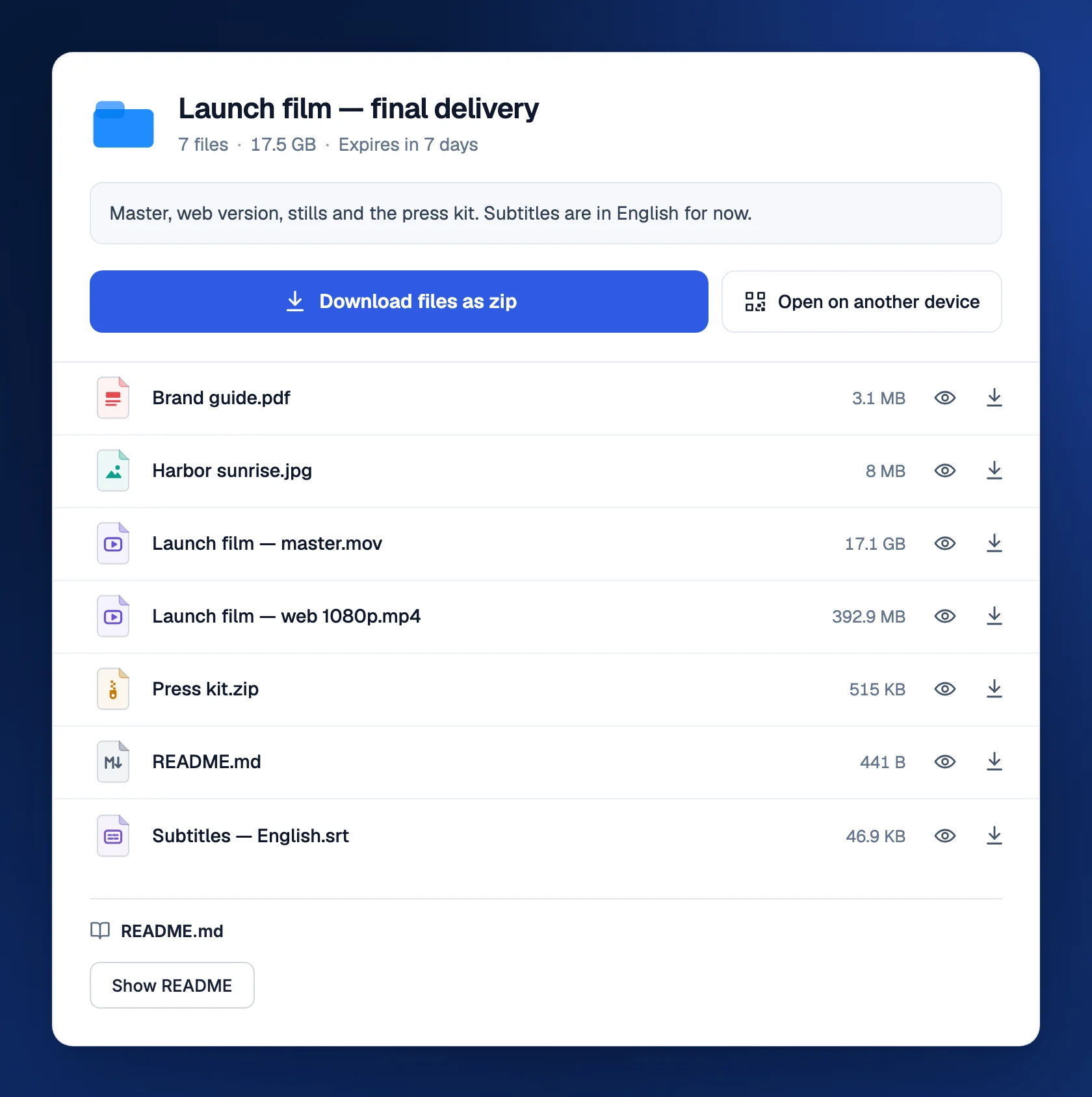
Files are availableCheck the sender and delivery, then download.
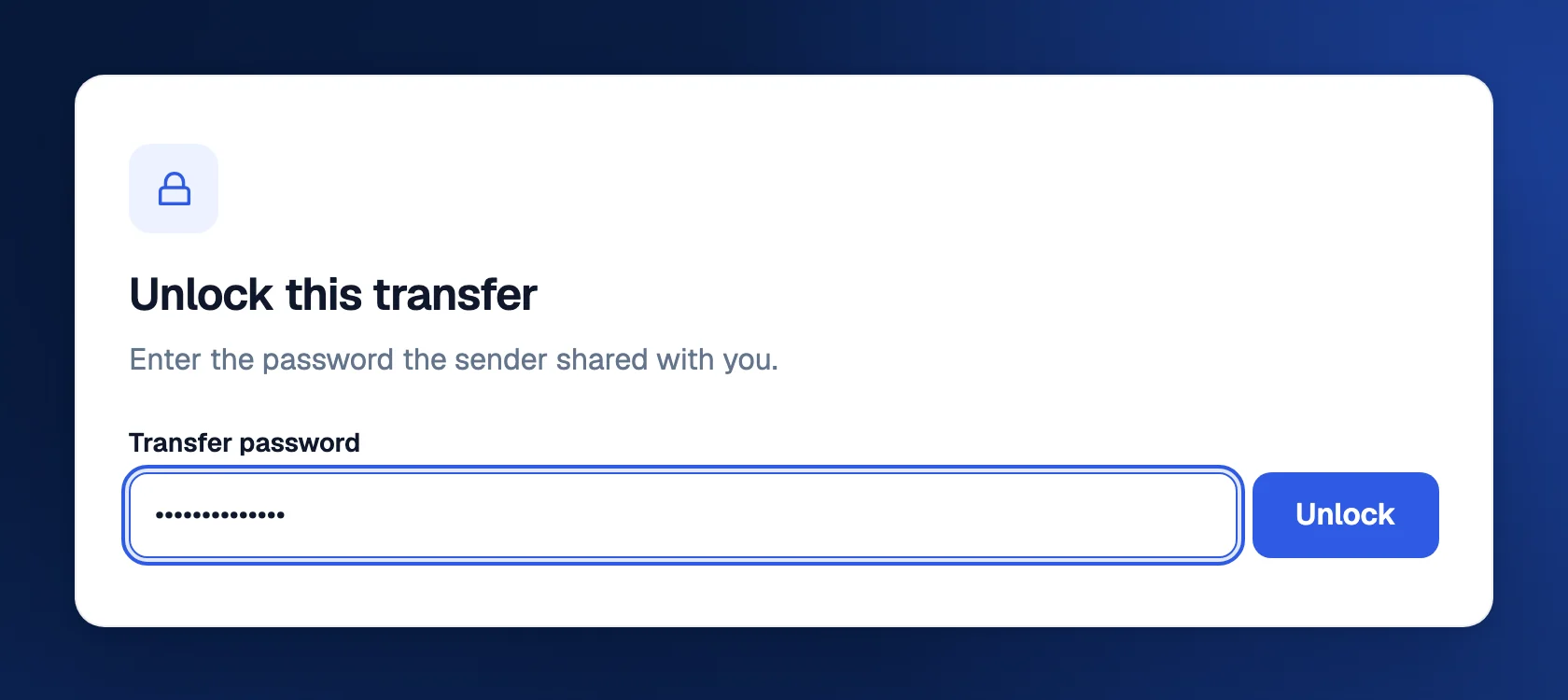
Password requestedAsk the sender for the transfer password.
Payment requiredReview the offer before checkout.
Expired or unavailableAsk the sender to check the link or send a new delivery.
Steps

Follow these steps

  1. 01

    Check who sent it

    If the message is unexpected, ask the sender through a conversation you already trust. Make sure you recognize the transfer and are opening the expected TransferSize address.

  2. 02

    Open the complete link

    Tap or click the link in a browser. If copying it, include the whole address. A cut-off link may open an error instead of the transfer.

  3. 03

    Read the transfer details

    Check the title, filenames, total size, and available access information. Enter the transfer password if one was set. Ask the sender for it separately.

  4. 04

    Choose what to download

    Use the download controls for the files you need. If a Download all or ZIP option is available, it packages the selection; you may need to extract it afterward.

  5. 05

    Find and open the saved copy

    Look in the browser’s Downloads list or your device’s Downloads folder. Open the actual saved file in a suitable app and tell the sender if something is missing.

What the sender needs to hear

A short “Downloaded and opened the correct files, thank you” is more useful than an assumption that a clicked link means a completed handoff.

Keep this in mind

Know what happens next

Previewing is not the same as saving

Playing a video or looking at a document on the transfer page does not necessarily leave a complete copy on your device. Use Download if you want to keep it. A file visible in a browser tab may disappear from reach when the link expires.

Where did the download go?

On a computer, check the browser’s download button and the Downloads folder in Finder or File Explorer. On a phone, check the browser’s downloads and the Files app; the exact location depends on the device and settings. You do not need to download repeatedly just because a photo did not appear in your camera roll.

Give a large download enough space

A large video needs enough free storage on your device. A ZIP can need space for both the downloaded archive and its extracted contents. Keep the network connected and watch the browser’s download status. A partial file is not a finished delivery.

Password, expiry, and payment are different gates

A password must come from the sender. An expired or deleted transfer needs the sender’s help. A paid transfer shows an offer and requires confirmed payment before access. Do not enter your email account password into a transfer-password prompt, and do not pay again just because a first payment is still pending.

If the file will not open

Check that the browser reports a completed download and that the size is plausible. An archive may need extracting; a video may need a compatible codec or player; a design project may need its original application and linked assets. Send the exact error to the sender instead of only saying “it does not work.”

Stay sensible with unexpected files

A preview or familiar filename does not establish that a file is trustworthy. Be especially cautious with installers and scripts from people you do not know. Confirm the source and use the security protections appropriate for your device.

Questions

Questions people ask

Do I need to register?

A normal valid public transfer can be downloaded without registration. Its password, expiry, payment, and other access rules still apply.

Can TransferSize recover an expired file for me?

Start by contacting the sender. They may have an original or a stored copy, but an expired temporary delivery is not guaranteed to be recoverable.

Can I send the link to somebody else?

Check with the sender first. The link may grant access to the files and may have limited availability or downloads.

Your next step

Want to send something back? Learn the basic send-and-download flow.

Understand TransferSize