
Send
Continue an interrupted upload
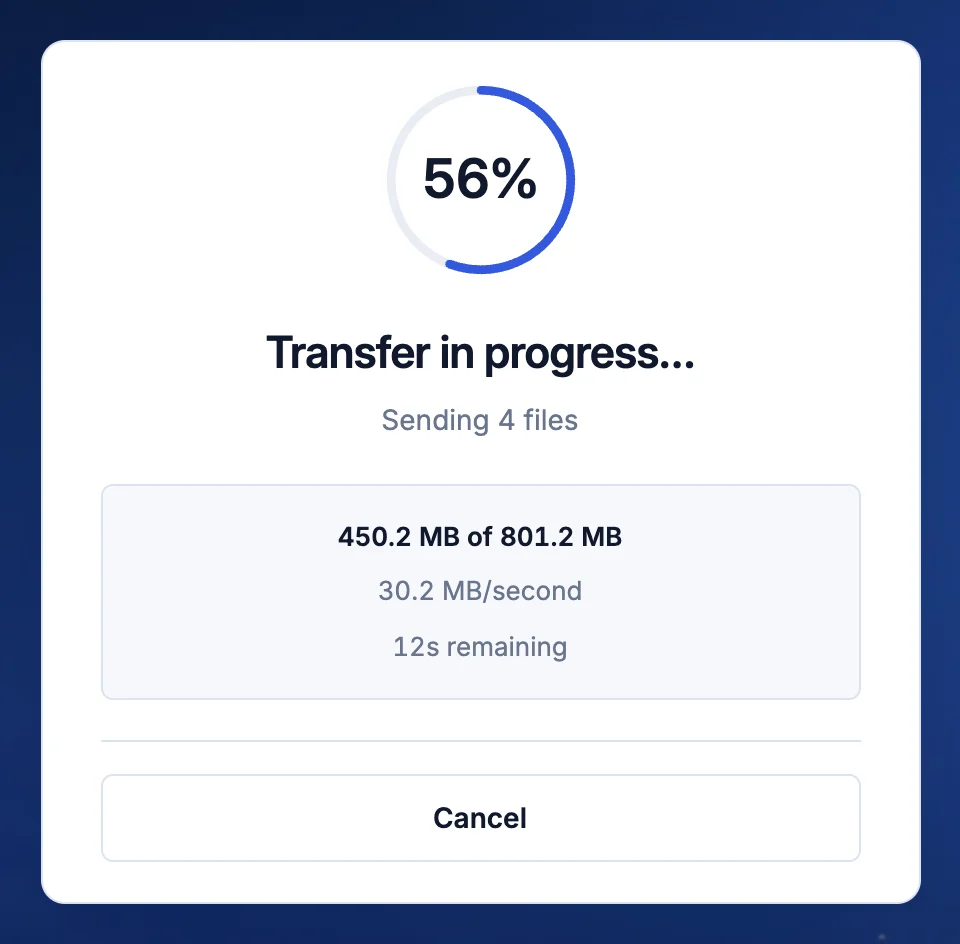
If your connection drops, keep the tab open. The upload continues when you’re back online.
- Automatic
- Every plan
What to do
- Keep the TransferSize tab open. Don’t refresh it.
- Reconnect. The upload continues from the last finished part.
- Wait for Your link is ready. before you share anything.
If the tab closed
- Open transfersize.com in the same browser within 48 hours.
- Under Interrupted uploads, select Resume next to your transfer.
- Choose the same files or folder again. Only the missing parts upload.
Start again if
- You’re on a different browser or device, or more than 48 hours have passed.
- A file changed after the upload began.
Updated September 26, 2026