
Protect
Protect a transfer
Add a password, an expiry date or a download limit before you upload.
- Password on every plan
- Download limits on paid plans
Steps
- Choose your files at transfersize.com.
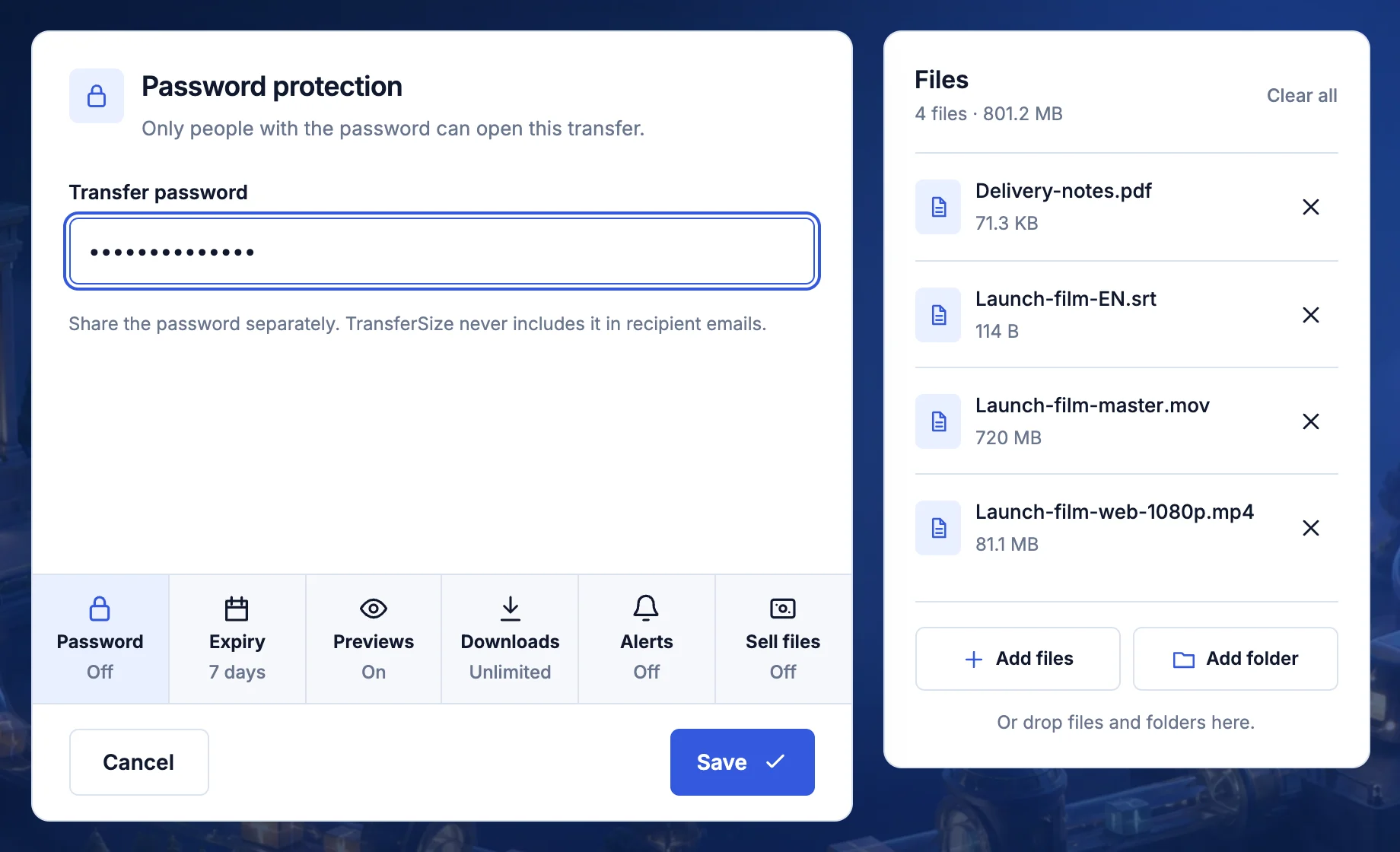
- Select Password, enter a password and select Save.
- Select Expiry to choose how long the link works.
- On a paid plan, select Downloads to limit the number of downloads.
- Select Create link.
Options
- Password
- Only people with the password can open the transfer.
- Expiry
- 1 or 7 days on Free. Up to 1 year on Premium and Family.
- Downloads
- Caps how many downloads can start. Paid plans only.
Updated September 26, 2026