
Connect and sell
Sell a download
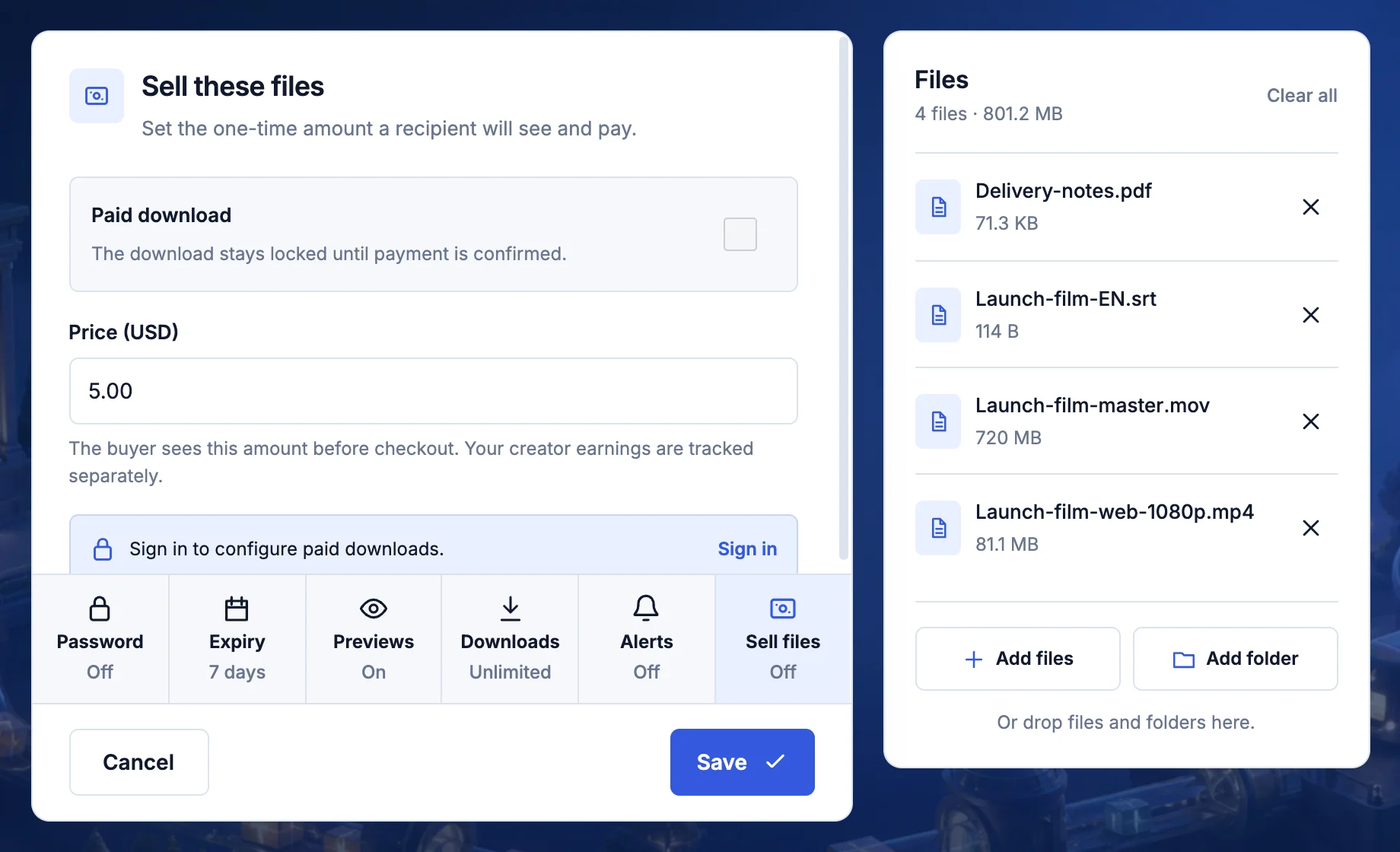
Set a price in US dollars. The buyer pays, then the download unlocks.
- Price in US dollars
- Needs an account
Steps
- Sign in, then choose your files at transfersize.com.
- Select Sell files and turn on Paid download.
- Enter the Price (USD) and select Save.
- Select Create link and share it with buyers.
Troubleshooting
A buyer paid but the files are locked
Payments can take a moment to confirm. Check the payment status in your workspace before asking them to pay again.
Updated September 26, 2026