
Send and share
Resumable uploads
Wi-Fi drops. Laptops sleep. Tabs get closed by accident. Your upload keeps what it has already sent and carries on from there.
- Every plan
- Automatic
- Nothing to install
What resumable uploads are
Many upload forms send a file as one long stream. If the connection blinks at 90%, the whole thing is thrown away and you start from zero. With a 20 GB video on home internet, that can cost you an evening.
TransferSize sends every file as lots of small parts and keeps track of each one. A dropped connection only affects the parts that were on their way. Everything that already arrived stays arrived.
Small parts
Files travel in pieces of about 20 MB.
Checked
Every part is verified when it lands.
Patient
Offline? It waits, then carries on.
Recoverable
Closed the tab? Resume within 48 hours.
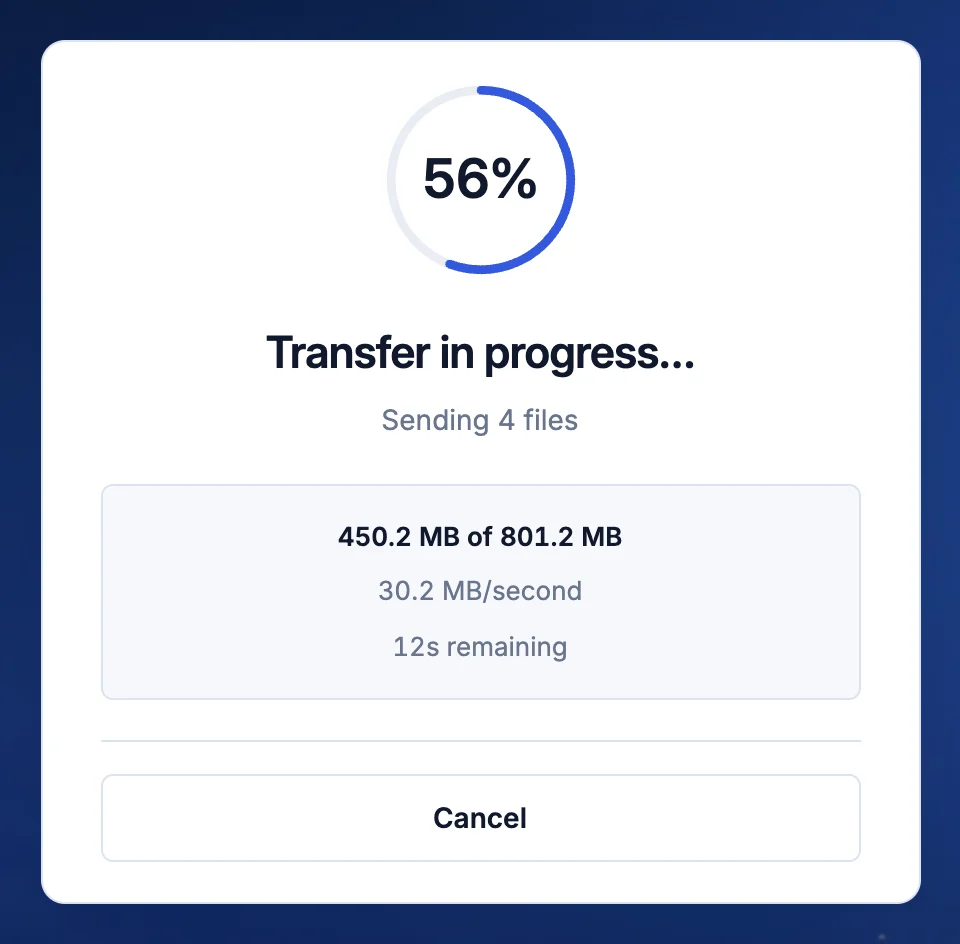
How it works
Picture posting a long book one chapter at a time. If an envelope goes missing, you resend that chapter, not the whole book. Behind the progress bar, this is what happens:
- Your file is cut into parts. Usually 20 MB each. On a slow mobile connection they shrink to 8 or 5 MB, so a hiccup costs less. Very large files use bigger parts.
- Several parts travel at once. Most computers send 6 to 8 side by side, phones 4. If errors pile up it eases off, then speeds up again once things are healthy.
- Every part is checked. Your browser works out a fingerprint of each part, and storage refuses any part that doesn’t match it. A damaged part is simply sent again.
- The whole file is checked at the end. Before your link goes live, the server compares every file’s size and fingerprint with what your browser sent. You’ll see Verifying for a moment, then Your link is ready.
When the connection drops
If a part fails, your browser tries it again straight away, up to 5 times, waiting a little longer each time. If the network is really gone, the upload switches to recovery. It keeps everything already sent and checks back every few seconds, then every minute or two, until you’re back online or you cancel.
The screen tells you plainly: Connection interrupted. Keeping uploaded progress and waiting to reconnect… No error, nothing to click. Reconnect and the upload continues from the last finished part.
A part that stops moving for 60 seconds is cancelled and sent again, so a frozen connection can’t stall the upload forever.
If you close the tab
While an upload runs, TransferSize asks your browser to warn you before you leave the page. If the tab closes anyway, or your computer restarts, your progress is saved in your browser for 48 hours.
Open TransferSize in the same browser and you’ll see Interrupted uploads, with a Resume button for each one. Choose the same files or folder again. TransferSize checks them against the saved parts and uploads only what’s missing.
Tips for very large uploads
- Keep your computer awake. A sleeping laptop drops its connection. Plug it in and turn off sleep for long uploads.
- Check your upload speed first. Upload speeds are usually much lower than download speeds. Estimate the time before you start.
- Send folders as folders. Choose Add folder or drag it in. Subfolders are kept, so recipients see the same structure.
What it doesn’t do
- Resume in a different browser. Saved progress lives in the browser you started in, for 48 hours.
- Resume with edited files. If a file changed after the upload began, that upload has to start again.
- Make your internet faster. It protects the progress you’ve made. Speed still depends on your connection.
- Resume file request uploads after the page closes. People uploading to your receive link reconnect automatically, but start again if they close the page.
Which plans have it
- Every plan, including Free and uploads without an account.
- Files up to 50 GB on Free and 500 GB on Premium and Family.
- Up to 50,000 files in one transfer.
Questions
It says it’s verifying. Is it stuck?
No. Every file is being checked before the link goes live. Keep the tab open: for very large transfers this can take a few minutes.
What does Cancel do?
Cancel stops the upload and discards what was sent, so you can start again cleanly.
Updated September 26, 2026