Skip to content
TransferSize

Solution

A reusable client file-intake workflow

Replace scattered attachments and public drive requests with named receive links that send submissions into the account owner’s workspace.

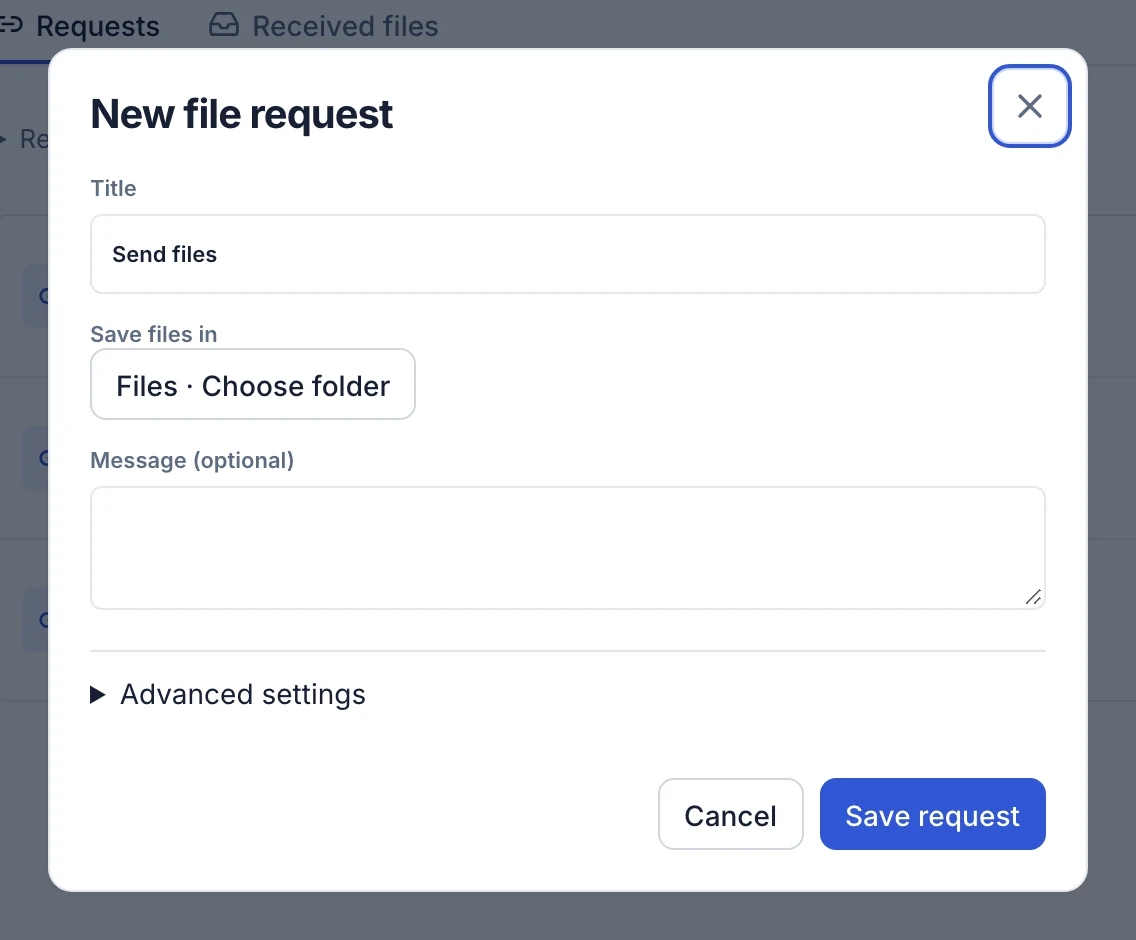
01Your briefName a receive link after the client or purpose.
02Client uploadSend the public URL and concise instructions.
03ReviewConfirm the upload, then disable old intake links.
Handoff receipt3 checkpoints · one accountable link
01No sender signupFor active public receive links
02Multiple linksSeparate projects or clients
03DisableClose intake when the work ends
Handoff map

Where the work changes hands

  1. 1
    Create

    Name a receive link after the client or purpose.

  2. 2
    Invite

    Send the public URL and concise instructions.

  3. 3
    Close

    Confirm the upload, then disable old intake links.

The brief belongs beside the link

Tell the client what to upload, accepted formats, naming rules, deadline, and who can answer questions. The technical path cannot repair an ambiguous request.

Use separate links for separation

Client-specific destinations reduce mix-ups and let you close one project without disrupting another. Avoid embedding a permanent generic link in places you cannot update.

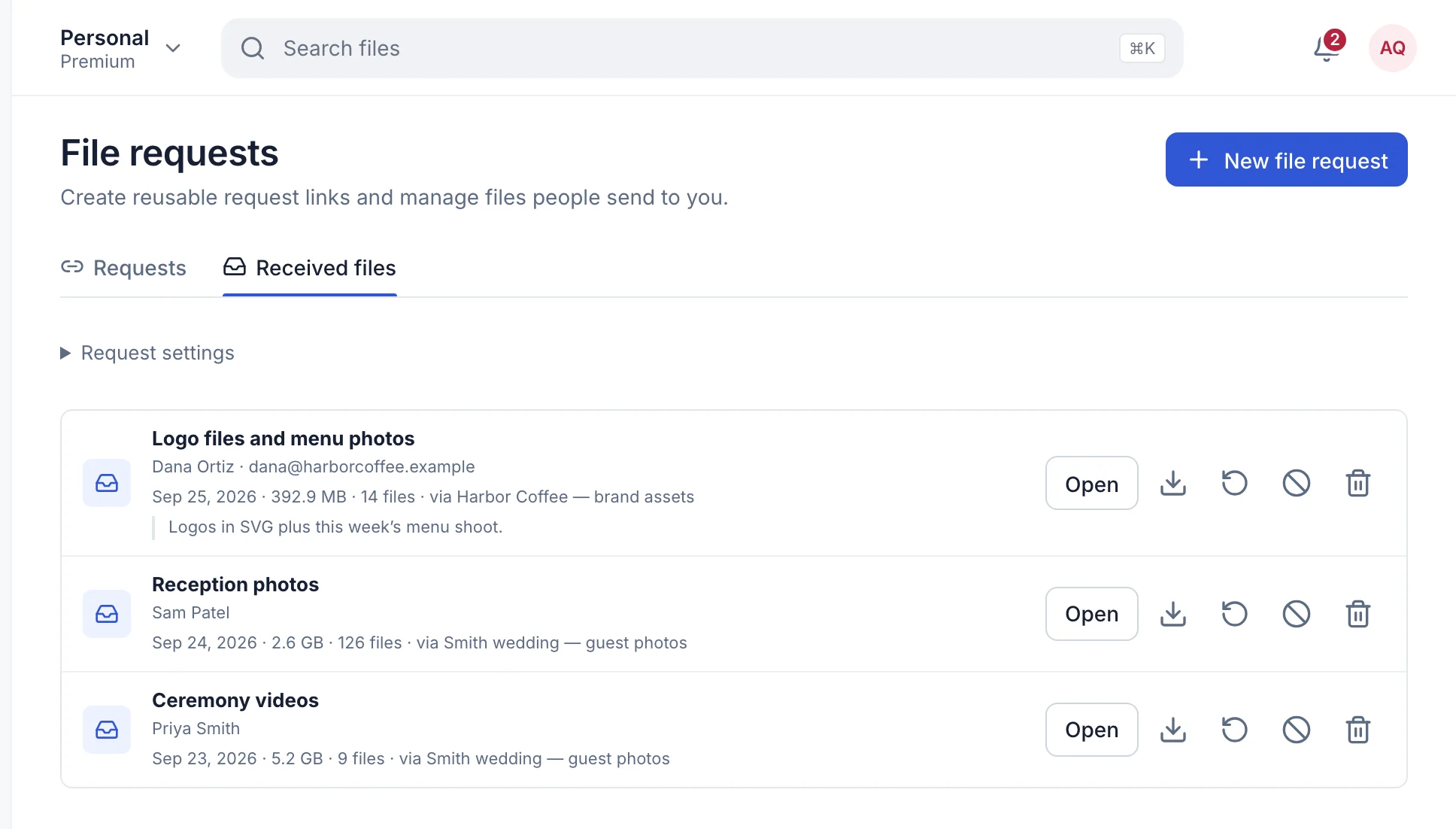
Acknowledge receipt

Review the received item in Manager and confirm that it opens and contains the expected material before the sender deletes their source.

Build the first handoff

Start simple; add controls only when the job requires them.

Create a delivery