Skip to content
TransferSize

Solution

Large video delivery for videographers

A finished video deserves more than a blurry chat attachment. TransferSize lets you send the original file by link. Add the subtitles, artwork, and format notes your client needs, then give them one clear place to download the delivery.

A video studio delivering its master, review copy, and captions to a screening room.
0150 GB freeMaximum file size for a temporary transfer
02Part retriesFailed parts can retry in the open session
03Original qualityThe selected video is not re-encoded for download

One practical example

A launch film, ready for the publishing team

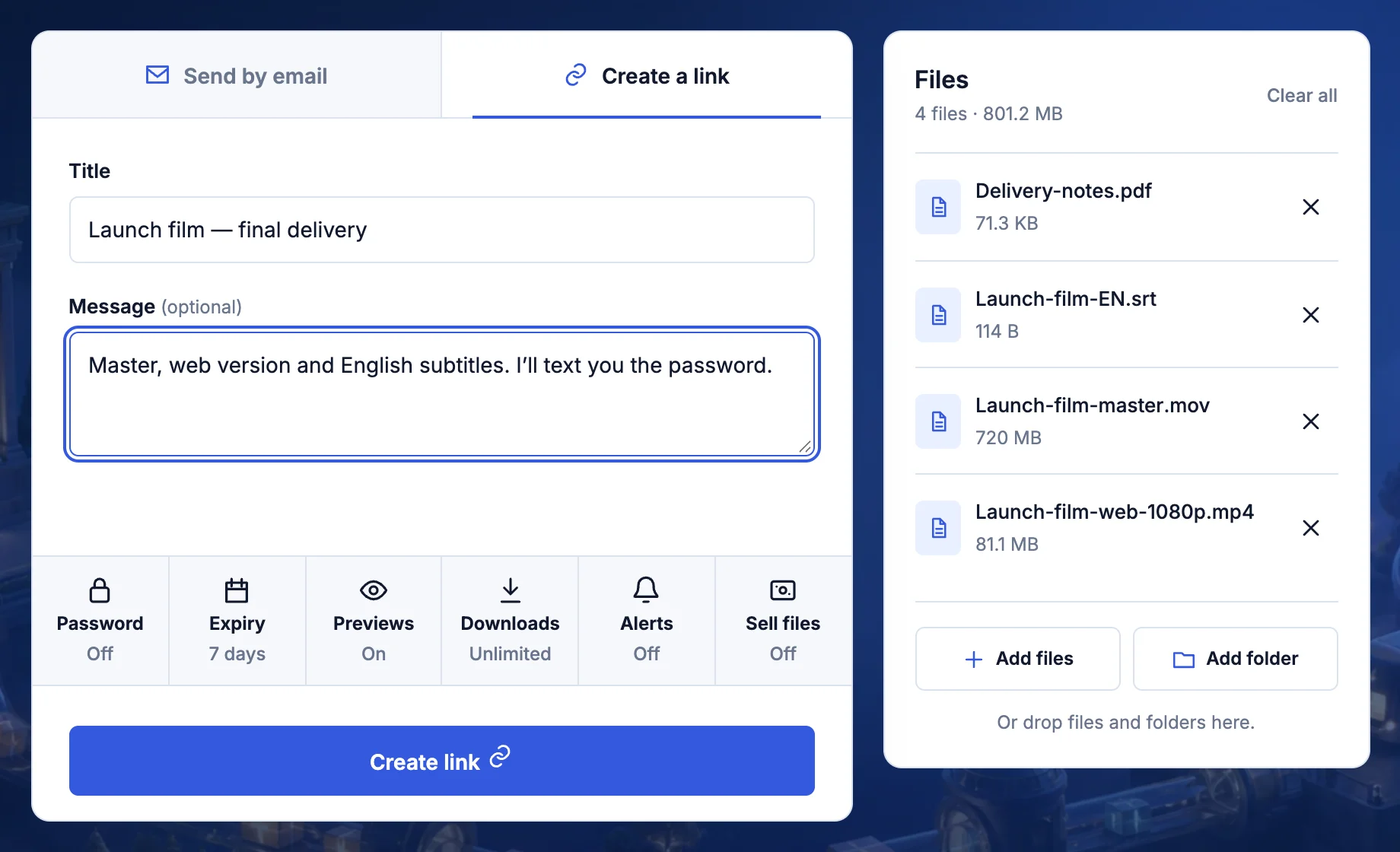
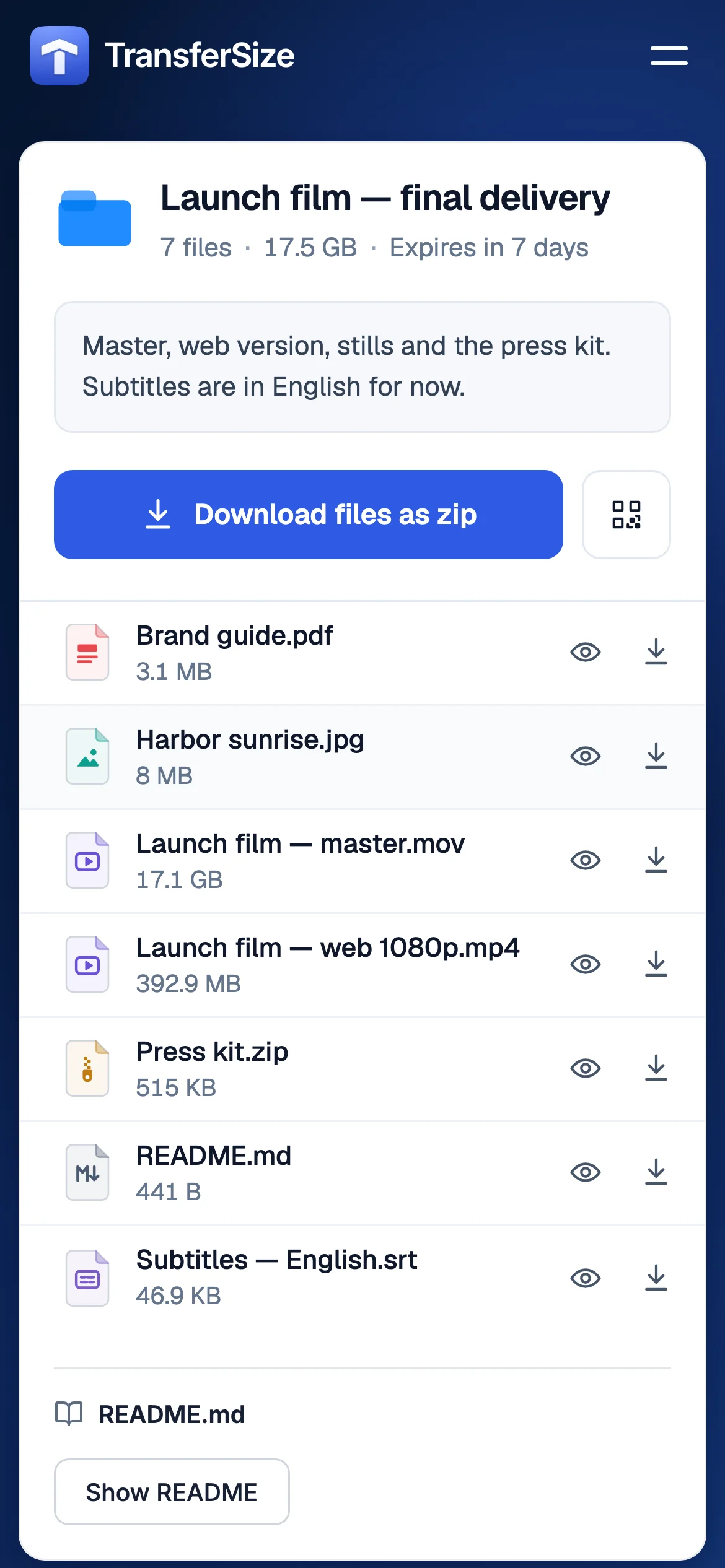
Suppose your approved film is a 24 GB master. Put the master, a smaller review export, the subtitle file, and the poster image in clearly named folders. In the delivery note, point the publishing team to the master and tell them which export is only for checking the cut. That small explanation prevents the wrong version from becoming the public launch video.

Illustrative project • example filenamesLaunch film — approved master
  • Master/The final export for publishing
  • Review/A smaller copy for checking the cut
  • Captions.srtThe agreed subtitles
  • Readme.txtFormat, duration and delivery notes
A clear name tells the next person what to open.

From start to finish

A clear handoff at every stage

  1. 1

    Prepare

    Export the correct cut and verify picture, sound, captions, filename, and duration.

  2. 2

    Package

    Add the master plus any agreed subtitle, artwork, checksum, or readme files.

  3. 3

    Upload

    Keep the device awake until Transfer ready appears and use only the access controls the delivery needs.

  4. 4

    Confirm

    Tell the recipient the format and size, then keep your backed-up master until they confirm the download works.

Prepare the work

Make the delivery easy to understand

Label the stage of the video

A review export, camera original, mezzanine file, and final master are not interchangeable. Put the stage in the title and filename so a client does not publish a low-bitrate review file or mistake an old cut for the approved master.

Check the whole delivery, not only the picture

Play the start, middle, and end. Check frame rate, resolution, color, audio channels, loudness, captions, and any separate subtitle or artwork files. Include a short readme when the recipient needs a particular player or post-production application.

Prepare for a long upload

Large masters may take hours. Upload from a local drive, connect power, prevent sleep, and use a stable wired connection when possible. TransferSize keeps confirmed parts and can retry a failed part while the tab and upload session remain open.

The handoff

Tell the next person what happens next

Example handoff message
The approved launch film is in Master. Review contains a smaller checking copy. Captions and format notes are included. Please confirm that picture, sound and subtitles open correctly.

Adapt the details, deadline and contact information to your project.

Treat preview as a convenience

Supported browser codecs can show a quick preview, but professional codecs and unusual containers may not play in every browser. A failed preview does not prove the original is damaged; download it and test it in the correct player.

Choose transfer or streaming deliberately

A transfer gives the recipient the original file. Live Relay is for an existing authorized HTTPS HLS source and does not convert a master, transcode video, or create additional quality levels.

Make the next person’s first five minutes easy

A video package should answer the questions an editor or publisher will ask before opening it: Which cut is approved? What are the resolution and frame rate? Are subtitles embedded or separate? Is this stereo or a multichannel master? Put the answers in a short readme beside the files.

  • Open the delivered master in the intended player after downloading a test copy.
  • Include linked media when delivering an editable project, if agreed.
  • Leave enough upload and download time before the publishing deadline.
Want the technical detail?

A file extension describes the container, not every codec inside it. A MOV or MP4 may download correctly even when the browser cannot preview its video or audio. TransferSize does not re-encode the original download. For long uploads, keep the browser session open: a failed part can retry, but closing the tab is not a dependable overnight pause.

Questions

Questions people ask

Will TransferSize reduce video quality?

No. The recipient downloads the video file you selected; it is not re-encoded into a smaller chat copy.

Why can the recipient download a video that will not preview?

Downloads and previews are separate. Their browser may not support the video's codec or container.

Can I close the tab and resume tomorrow?

Do not rely on that. Part retries work during the active upload session, so keep the tab open until completion.

Does Live Relay turn my uploaded file into a stream?

No. It only passes through an existing authorized HLS source.

Start simple

Send one file first. Add extra controls only when you need them.

Choose files