Skip to content
TransferSize

Guide

Send a large video without losing quality

That sharp video on your computer should still look sharp when someone else receives it. Upload the original video file to TransferSize and ask them to download it. The service delivers the selected file rather than making a smaller messaging-app version.

5 steps · No recipient account required · Updated 2026-09-10

Where to startChoose files → Continue → Create a link or Send by email
The same detailed video frames before and after file delivery.

At a glance

Hand over the wedding film

Preview and original have different purposes
NeedUse
Identify the video quicklyA supported browser preview.
Keep or edit the full-quality fileDownload the original.
Continue editing a projectInclude the agreed source files and dependencies.

Your editor exports a 12 GB wedding film. Sending that file through TransferSize gives you the exported original to keep. If you first send it through a chat app that reduces its quality and then upload the smaller copy, TransferSize cannot recover the detail that was removed.

Steps

Follow these steps

  1. 01

    Export the right version

    Check the resolution, sound, captions, format, and filename.

  2. 02

    Play it on your device

    Check the start, middle, and end before uploading.

  3. 03

    Choose the original file

    Add it to TransferSize and start the upload.

  4. 04

    Choose whether to allow preview

    A browser preview is handy, but some video formats will not play in every browser.

  5. 05

    Tell the recipient the format

    Include the file size, format, and any app they need to open it.

What the recipient sees

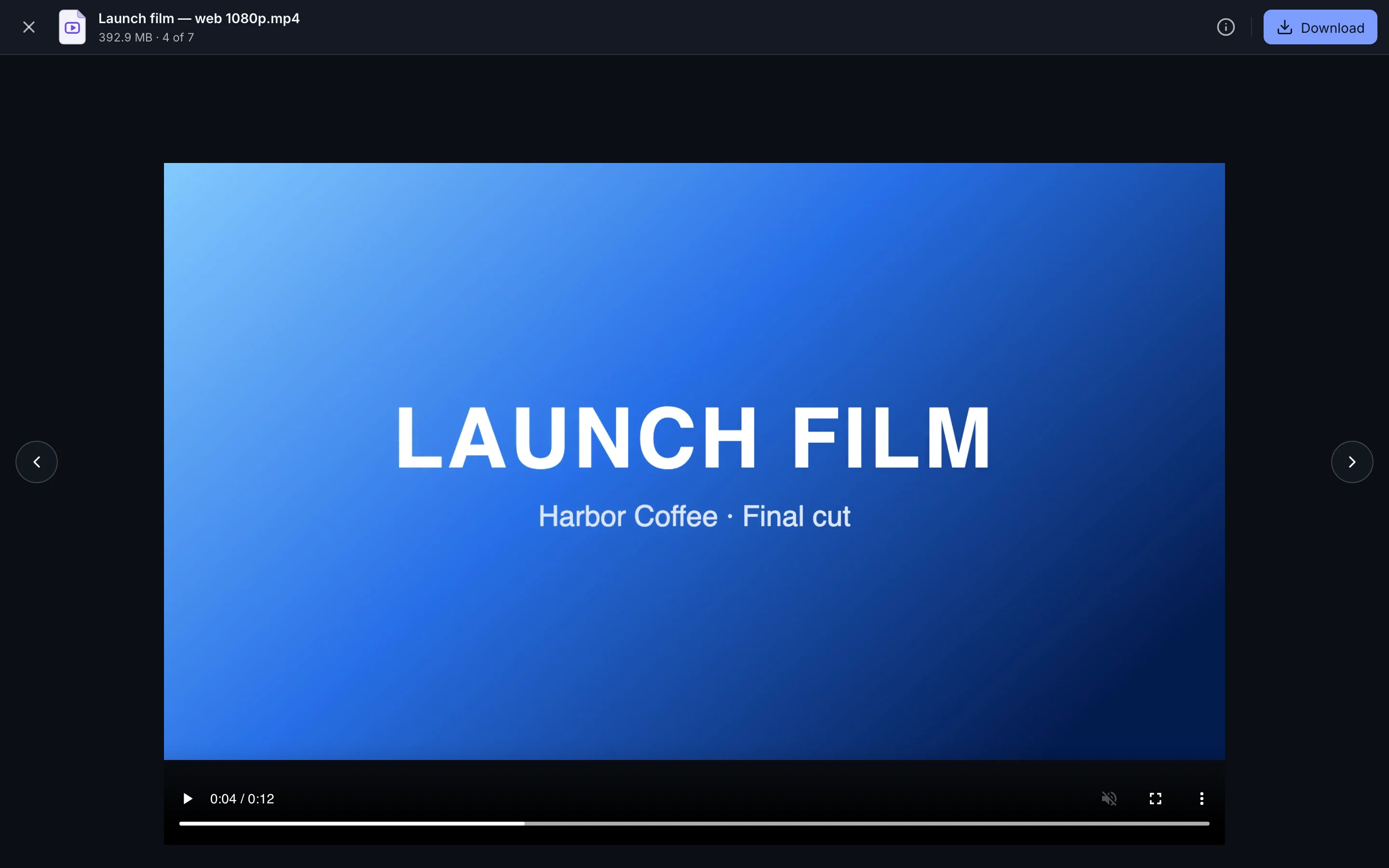
The recipient opens the transfer link in a browser, enters the password if one was set, previews supported files when enabled, and downloads without creating an account.

Keep this in mind

Know what happens next

Start with the best copy you have

Find the actual exported video, not a screen recording or a compressed copy saved from a chat. Play the beginning, middle, and end before uploading. Confirm sound, subtitles, the correct edit, and the filename. File transfer preserves your chosen source; it cannot improve a poor export.

Preview and original download are different jobs

A preview is a quick way to identify a video in the browser. The original download is the file you uploaded. A preview may not play on every device, and its appearance is not a reliable way to judge the original. For final review or archiving, download the file and open it in suitable software.

MP4 does not tell you everything

MP4 and MOV are containers: think of them as boxes. The codec describes how the video inside the box is encoded. A device may recognize an MP4 file but not support its particular codec, audio format, or color settings. A successful download can still need a different player or a more compatible export.

Send project files with their ingredients

If the recipient needs to keep editing, a project file alone may be missing linked footage, music, fonts, or graphics. Use your editing app’s collect or consolidate feature when available. Keep the folder arrangement and include a readme with the application version and anything the recipient must install or license separately.

Allow time and disk space

Large originals take longer to upload and download. Check both ends have enough space and a stable connection. Tell the receiver the size before sending. A ZIP around an already compressed video usually helps packaging more than it helps reduce the size.

Want the technical detail?

When byte-for-byte delivery matters, compare a locally calculated checksum of the original with a checksum of the downloaded copy using a trusted tool. Matching file sizes alone cannot establish identical contents. TransferSize does not claim that every browser can preview every supported container and codec combination.

Questions

Questions people ask

Will TransferSize lower the quality?

No. The selected original file is what the recipient downloads.

Why does the preview not play?

The browser may not support the video's container or codec. Download the original and open it in a compatible player.

Should I send the project file or the final export?

Send the final export for normal review or delivery. Include project files and linked assets only when the recipient expects and can open them.

Ready?

Choose your files and follow the steps above.

Choose files