One practical example
One shoot. Two clearly named deliveries.
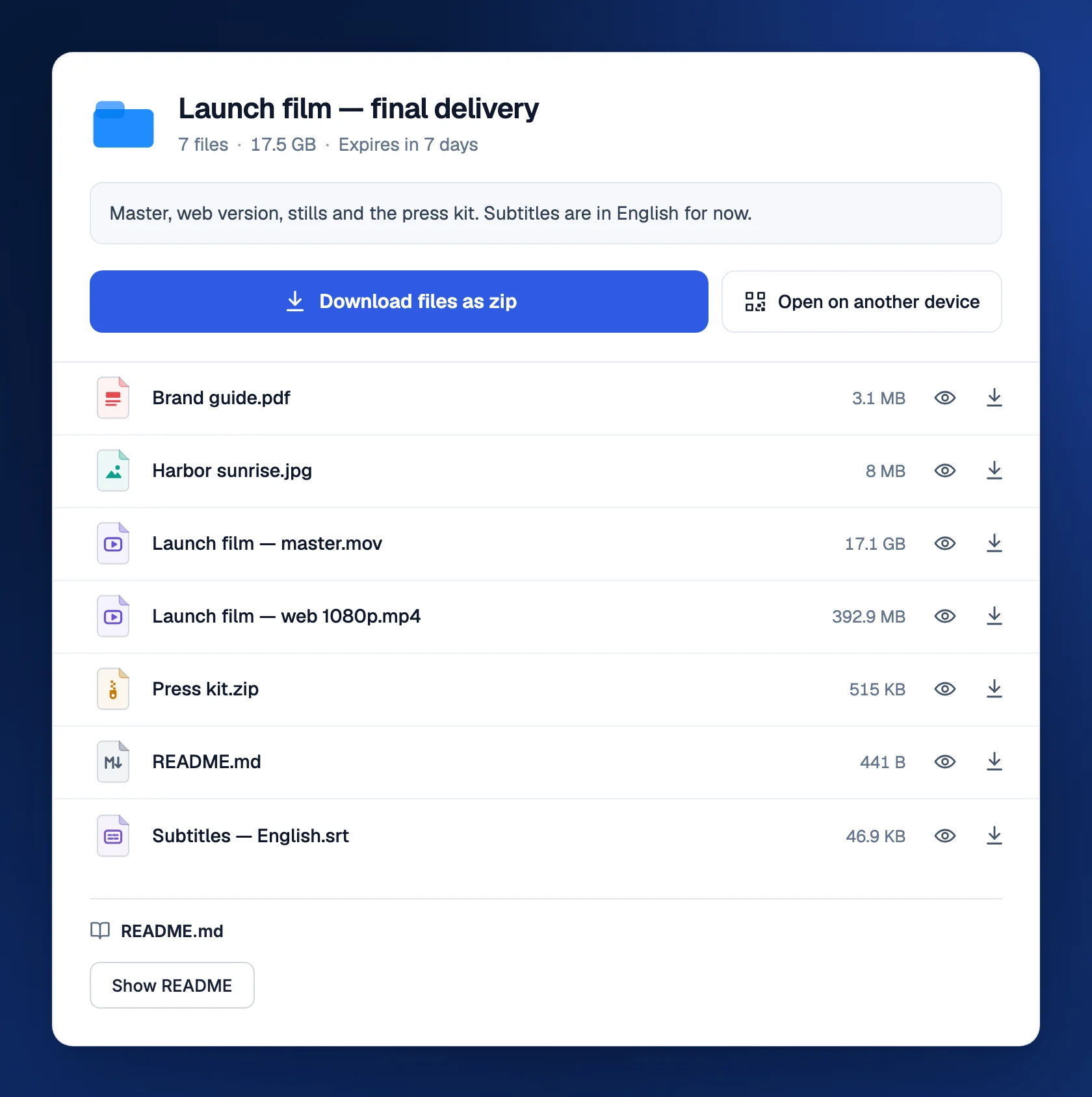
Imagine a portrait shoot with 80 edited photos. Send a small proof set through your usual review process. After the client chooses, make a fresh delivery with print-ready JPEGs, smaller web exports, and a short usage note. Name the folders Print and Web. Your client can immediately tell which files belong on a wall and which belong on their website.
- Print/Full-resolution final JPEGs
- Web/Smaller exports for the website
- Usage-note.pdfThe agreed usage and contact details
From start to finish
A clear handoff at every stage
- 1
Collect
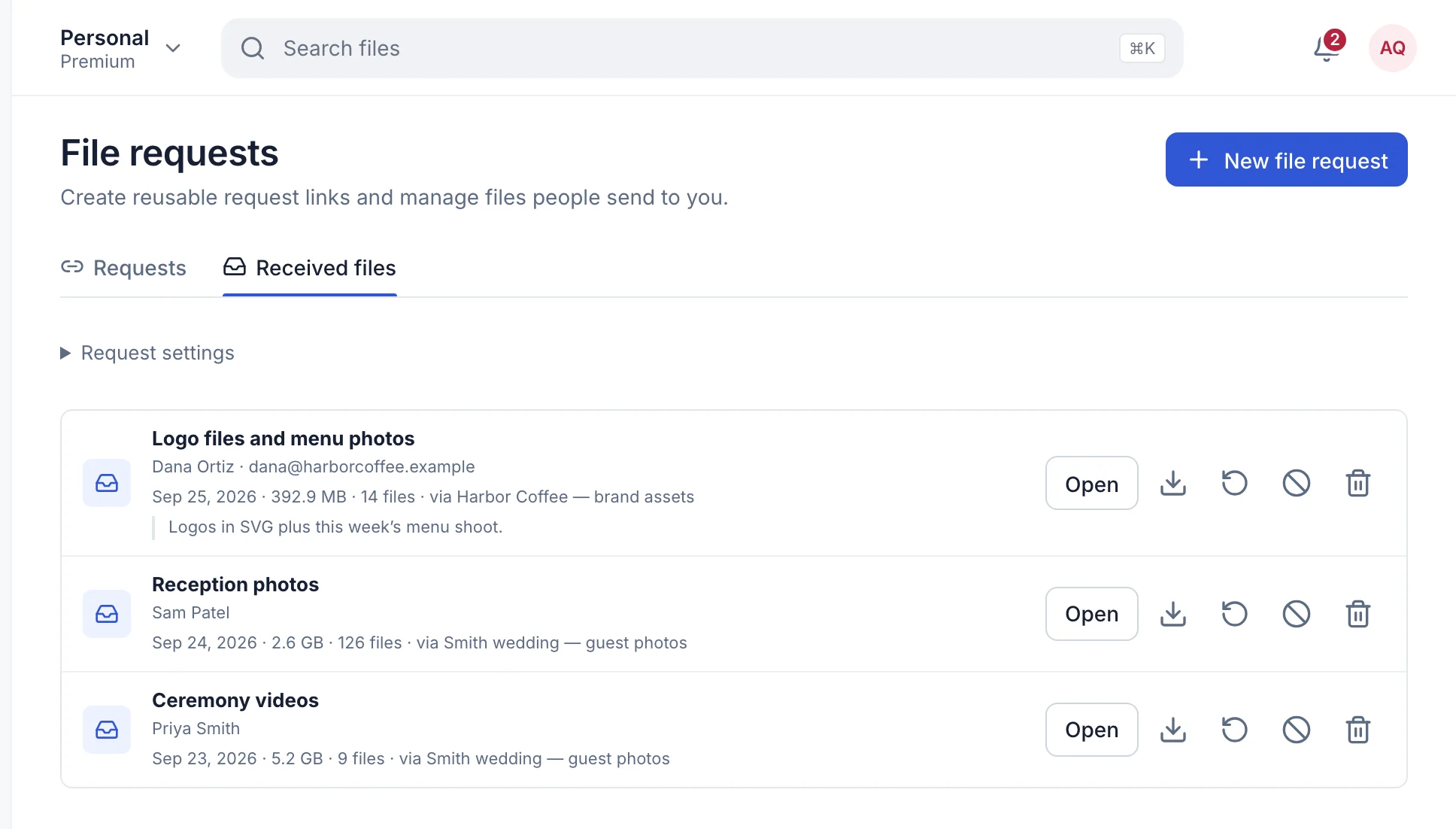
Create a receive link for the brief, references, or selections and name it after the shoot.
- 2
Prepare
Check edits, color space, resolution, filenames, folder structure, and licensing notes.
- 3
Protect
Choose a password, expiry, preview, or download limit that fits the client and the sensitivity of the work.
- 4
Deliver
Open the finished link privately, then send it and ask the client to confirm that the downloaded files open correctly.
Prepare the work
Make the delivery easy to understand
Separate review from final delivery
A proof gallery and a final file handoff solve different jobs. Use your normal review process for comments and selections, then create a fresh TransferSize link containing only the approved high-resolution files.
Collect the material before the edit
A named receive link can collect a brief, reference images, logos, shot lists, or a client's selected files without exposing your private workspace. Use one link per shoot so unrelated submissions do not become mixed together.
Build a package the client can understand
Keep a useful folder structure and use names such as wedding-smith-final-srgb.jpg instead of export-7-final-final.jpg. State whether the package contains RAW files, edited JPEGs, TIFFs, sidecars, print files, web files, or an album design.
The handoff
Tell the next person what happens next
Match the controls to the work
Use a password for private portraits or unreleased campaigns, choose an expiry that gives the client enough time, and send the password separately. A download limit can reduce repeat access, but it cannot take back a copy already downloaded.
Write down the delivery promise
Include the color space, resolution, usage license, expected software, and anything intentionally excluded. TransferSize delivers files; it does not decide print accuracy, manage client approvals, or replace the independent archive of your originals.
A message your client can actually use
Tell them what is inside, when the link closes, and what to do first. For example: “Your approved portraits are ready. Download the Print folder for printing and Web for social posts. Please save a copy before Friday and let me know that the files open.” Send any password in a separate message.
- Check the export dimensions and color profile before uploading.
- State whether RAW files and editing rights are included.
- Keep an independent copy of the approved set after delivery.
Want the technical detail?
The download preserves the selected file. A browser preview is a viewing aid, not a color-managed proof or a promise that every RAW format will display. ZIP packaging keeps related items together; it does not turn TransferSize into a client selection or retouching tool.
Questions people ask
Does TransferSize compress RAW or JPEG files?
No. The client downloads the file you selected. A separate browser preview may look different from the original.
Can clients upload references without an account?
Yes. A public receive link lets them upload without entering your workspace or creating an account.
Should I use the same link for proofs and final files?
Usually not. A clean final link avoids old versions and makes the approved delivery obvious.
Can I charge for a licensed photo package?
Eligible accounts can set a US-dollar price on a paid download. Explain the included files, license, support, and refund terms before sharing it.
Send one file first. Add extra controls only when you need them.