Skip to content
TransferSize

Solution

File handoff for designers and agencies

A great design handoff includes more than the source file. Use TransferSize to collect the client’s materials and send the approved package back. Keep the exports, agreed source files, and instructions together so the next person knows what they have.

A design studio handing an organized brand kit to a client.
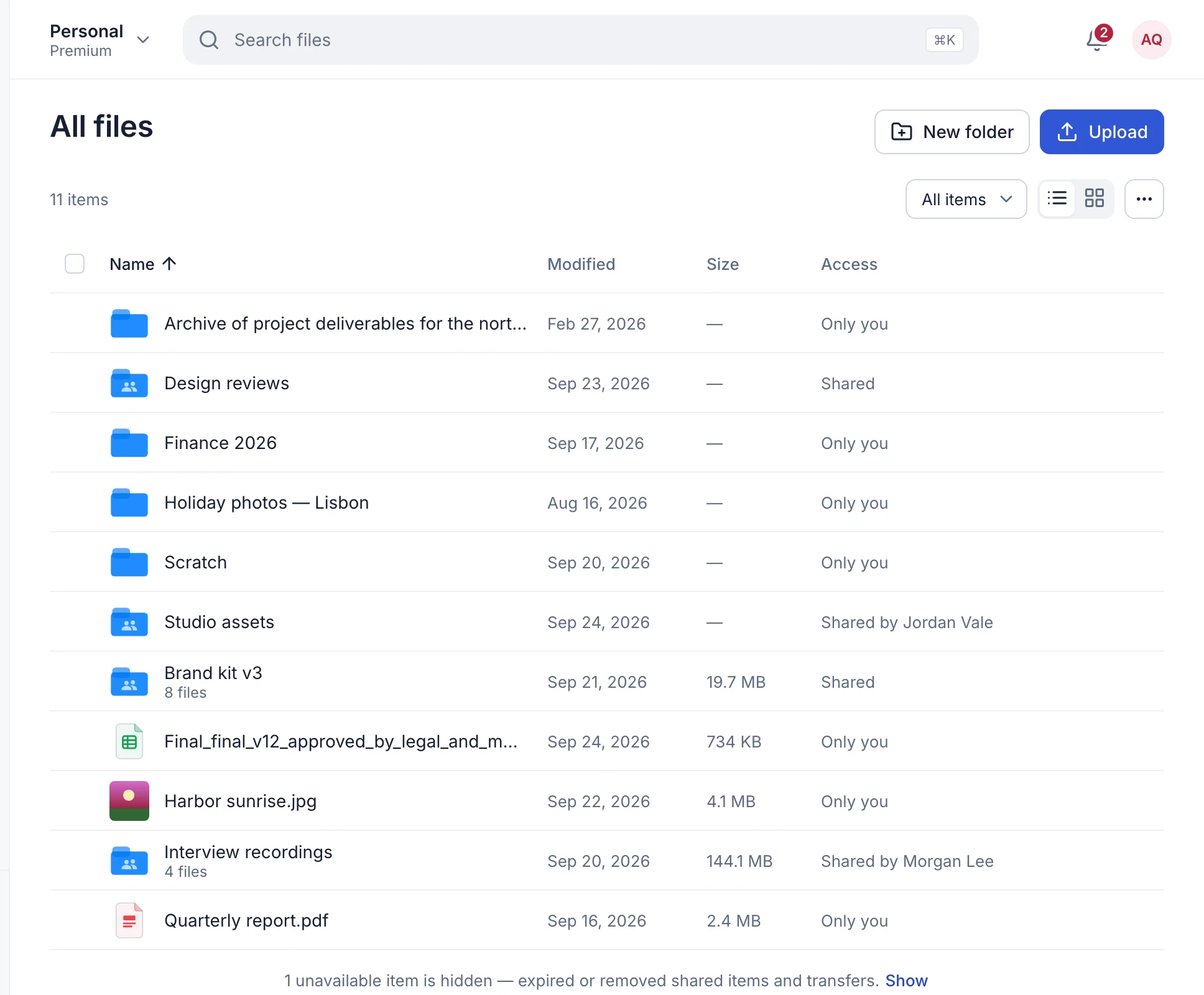
01Project foldersKeep related assets together
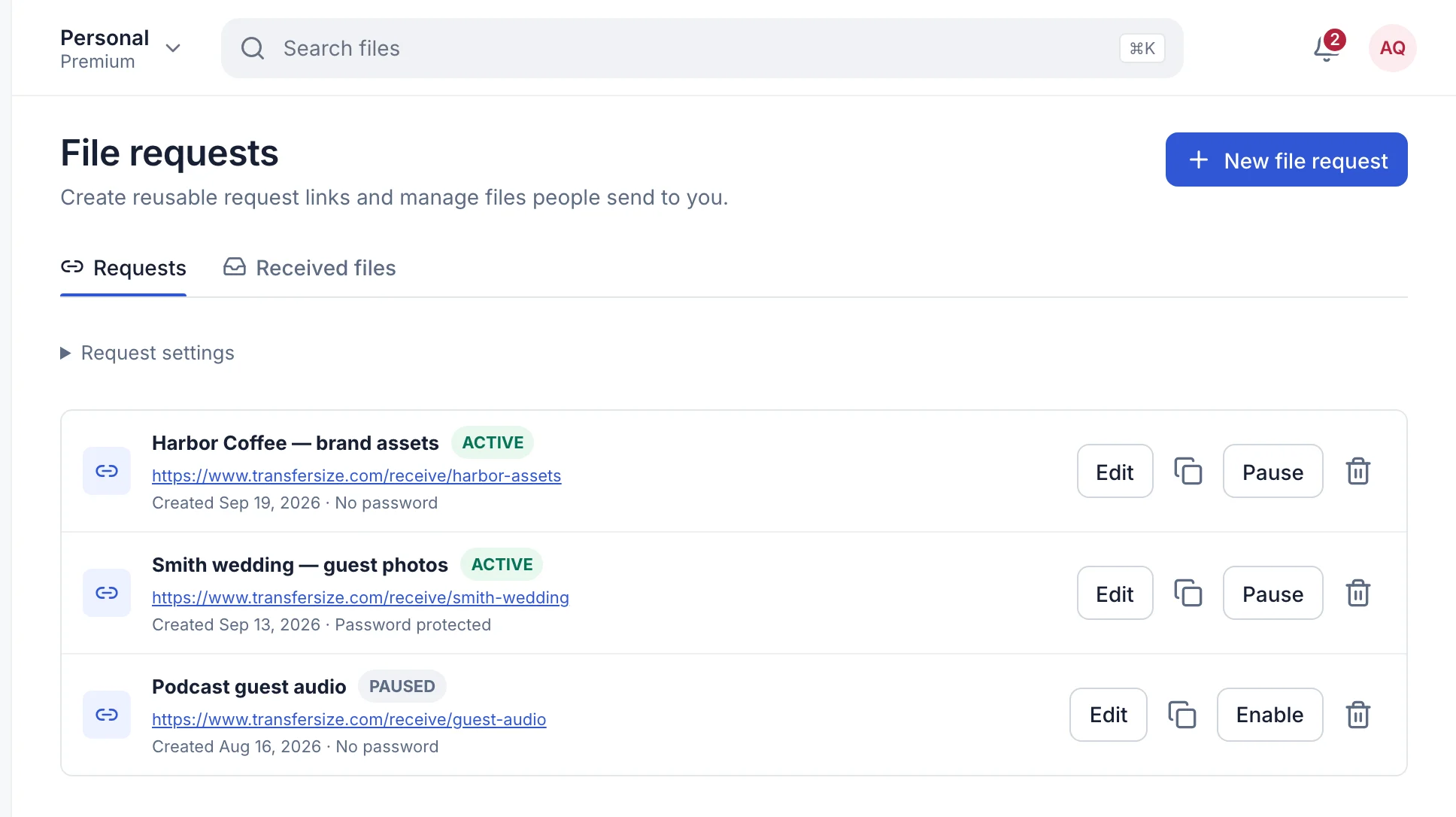
02Receive linksGive each client a separate upload page
03Workspace historyFind sent and received work later

One practical example

A brand kit with an obvious starting point

For a café rebrand, deliver Logo, Print, Web, and Readme folders. Include a PDF overview for the owner, the approved vector files for their printer, and the web exports for their developer. Explain which logo has a transparent background. The café owner should not need your design software just to work out what to send to the sign maker.

Illustrative project • example filenamesCafé brand kit
  • Logo/Approved vector and image exports
  • Print/Files prepared for the printer
  • Web/Assets for the developer
  • Readme.pdfWhich version to use where
A clear name tells the next person what to open.

From start to finish

A clear handoff at every stage

  1. 1

    Request

    Send a project-specific receive link with a precise checklist and deadline.

  2. 2

    Review

    Open every submission and check dependencies, rights, versions, and missing assets.

  3. 3

    Package

    Create a clean final folder with exports, agreed source files, and a useful readme.

  4. 4

    Deliver

    Test the public link, explain its expiry, and record the client's confirmation.

Prepare the work

Make the delivery easy to understand

Give every project its own intake

Create a receive link named after the client and job. Put the brief beside it: requested formats, naming rules, deadline, maximum useful quality, and who should answer questions. A client can upload without seeing your account or another client's submissions.

Check dependencies before packaging

Design files often depend on fonts, linked images, plugins, libraries, and application versions. Include only assets you are allowed to distribute, collect the approved links, and add PDF or image exports for people who do not own the source application.

Separate approval from handoff

Comments and changing drafts belong in the review tool your team already uses. Once work is approved, make a clean TransferSize package containing the final exports and only the source files promised in the contract.

The handoff

Tell the next person what happens next

Example handoff message
Your approved brand kit is ready. Start with Readme, then send Print to your printer and Web to your developer. Please confirm you have downloaded the complete package.

Adapt the details, deadline and contact information to your project.

Use names that survive outside the agency

A filename should explain the client, campaign, deliverable, version, and date without relying on your internal board. Add a short readme with software versions, fonts, color profiles, and the person to contact if something is missing.

Close the job without losing the record

Tell the client when the delivery link expires, verify the public page, and ask for confirmation. Disable the intake link when submissions are finished and keep the approved source package in your own archive.

Package the job, not your whole working folder

Open the final package as though you were the client. Remove abandoned concepts and internal notes. Check that linked images are present and that the readme names the application version needed for editable files. A downloadable preview helps someone without the design app understand the result.

  • Include fonts only when their license allows redistribution.
  • Distinguish print color settings from web exports.
  • Name one contact for missing files or questions about the package.
Want the technical detail?

TransferSize moves the files you provide. It does not embed missing fonts, collect external assets, convert application versions, or grant a software license. Use the packaging features in your design application first and test the resulting archive before sharing it.

Questions

Questions people ask

Can a client upload without joining our workspace?

Yes. A public receive link does not reveal your workspace and does not require the client to register.

Will TransferSize collect missing fonts automatically?

No. Package linked assets and distributable fonts in the design application before uploading.

Should draft and final files share one link?

Usually not. A separate final delivery prevents old versions from looking approved.

Can we remove a file after the client downloads it?

You can close future access, but you cannot remove a copy already downloaded to another device.

Start simple

Send one file first. Add extra controls only when you need them.

Choose files